Tablet Buying Guide: Understanding Specs for Your Needs
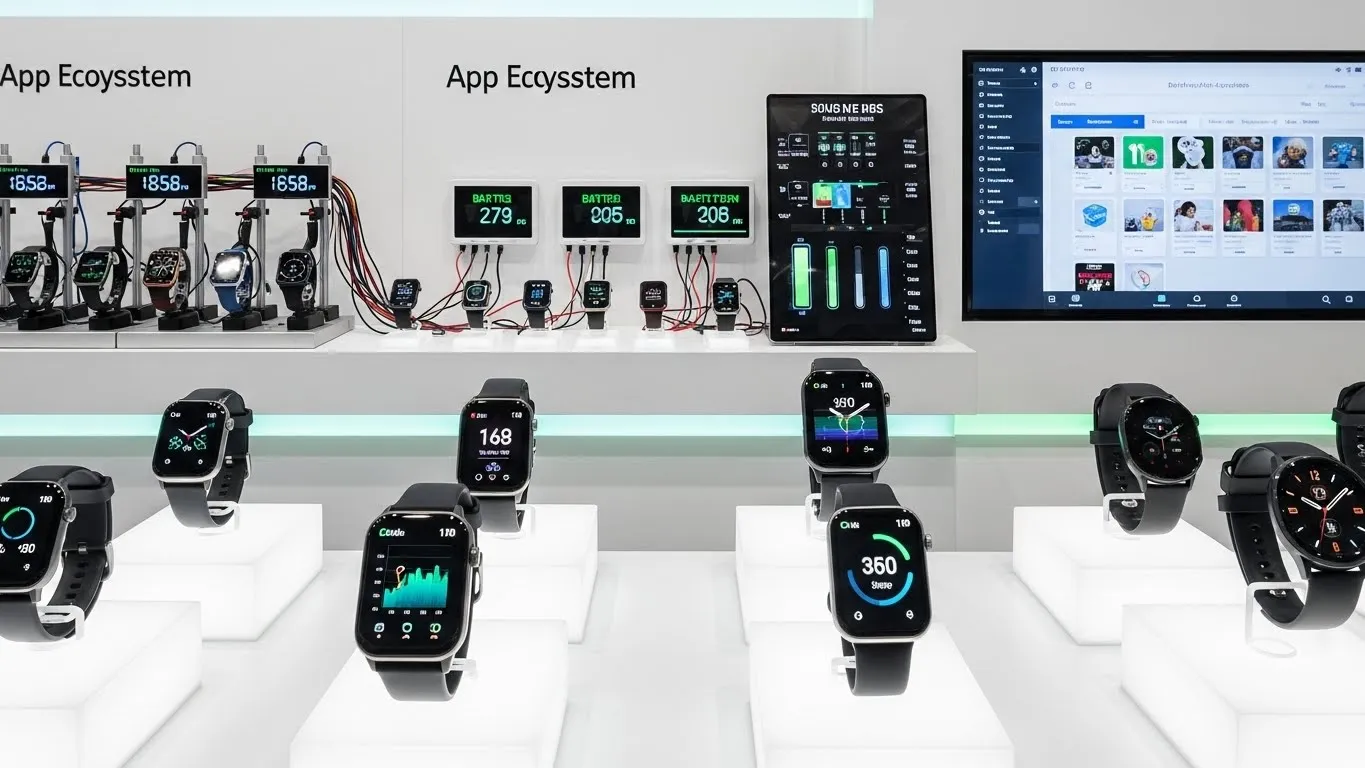
Choosing the right tablet can feel overwhelming with the myriad of options available today. From sleek designs to powerful processors, each tablet boasts a unique set of features. This tablet buying guide is designed to demystify the technical jargon and help you understand the crucial specifications that truly matter. By focusing on your individual needs, you can confidently select a tablet that enhances your daily life, whether for work, entertainment, or creativity. We'll break down everything from display types to processing power, ensuring you make an informed decision.
Key Points for Your Tablet Buying Guide:
- Assess Your Needs First: Determine primary use cases (work, entertainment, art, etc.) before looking at specs.
- Prioritize Display Quality: Screen resolution, panel type, and size significantly impact user experience.
- Understand Processor & RAM: These dictate speed and multitasking capabilities.
- Consider Storage & Battery: Essential for holding your content and powering your day.
- Ecosystem Matters: Choose an operating system (iOS, Android, Windows) that aligns with your existing devices.
Understanding Your Tablet Needs: A Personalized Approach
Before diving into technical specifications, the most critical step in any tablet buying guide is to identify how you plan to use your device. Different activities demand different levels of performance and specific features. Taking a personalized approach ensures you invest in a tablet that truly serves your purpose.
- For Casual Use and Entertainment: If your primary activities include browsing the web, streaming videos, reading e-books, and light social media, you might not need the most powerful or expensive tablet. Focus on a good display, decent battery life, and sufficient storage for your media.
- For Productivity and Work: Professionals and students often require a tablet capable of handling demanding applications, multitasking, and seamless integration with accessories like keyboards and styluses. Look for robust processors, ample RAM, and compatibility with productivity suites.
- For Creative Tasks and Art: Artists and designers need tablets with high-resolution, color-accurate displays, excellent stylus support with low latency, and powerful processors to run graphic-intensive applications. Features like pressure sensitivity and tilt recognition are paramount.
- For Gaming Enthusiasts: Mobile gamers will benefit from tablets featuring high-refresh-rate displays, powerful GPUs (graphics processing units), efficient cooling systems, and large batteries to sustain long gaming sessions.
Key Tablet Specifications to Consider
Once you've pinpointed your primary use, it's time to delve into the core specifications. This section of our tablet buying guide will explain what each spec means and why it's important for your user experience.
Display Quality and Size: Your Window to Content
The screen is your primary interface with the tablet, making its quality paramount. When evaluating a tablet, consider these display aspects:
- Resolution: Measured in pixels (e.g., 2048x1536), higher resolution means sharper images and text. For a crisp viewing experience, especially on larger screens, aim for at least Full HD (1920x1080) or higher.
- Panel Type:
- LCD (Liquid Crystal Display): Common and cost-effective, offering good brightness and color.
- OLED (Organic Light-Emitting Diode): Provides superior contrast, true blacks, and vibrant colors, often found in premium tablets.
- Mini-LED: A newer LCD variant offering improved contrast and brightness zones, bridging the gap between traditional LCD and OLED.
- Refresh Rate: Typically 60Hz, but some premium tablets offer 90Hz or 120Hz. A higher refresh rate results in smoother scrolling and more fluid animations, which is particularly beneficial for gaming and drawing.
- Screen Size: Ranging from compact 7-inch models to expansive 14-inch devices. Smaller tablets are more portable, while larger screens are better for productivity, media consumption, and creative work.
Processor and RAM: The Brains and Multitasking Power
The processor (CPU) and RAM are the heart of your tablet's performance. They dictate how quickly apps open, how smoothly you can multitask, and how well the device handles demanding tasks.
- Processor (CPU): This is the "brain" that executes commands. Modern tablet processors often have multiple cores (e.g., octa-core) and are designed for efficiency and power. For basic tasks, a mid-range processor is fine. For heavy gaming, video editing, or professional applications, a flagship chip (like Apple's A-series, Qualcomm's Snapdragon 8-series, or MediaTek's Dimensity series) is essential.
- RAM (Random Access Memory): RAM is where your tablet temporarily stores data that actively running apps need. More RAM means your tablet can handle more apps simultaneously without slowing down. 4GB is a decent starting point for casual use, while 8GB or more is recommended for power users and multitasking.
Storage Options: How Much Space Do You Really Need?
Tablet storage determines how many apps, photos, videos, and documents you can keep directly on your device.
- Internal Storage: Tablets typically come with 64GB, 128GB, 256GB, or even 512GB of internal storage. Consider your usage: a casual user might be fine with 64GB, but content creators or gamers will quickly fill that up.
- Expandable Storage: Many Android tablets offer a microSD card slot, allowing you to easily expand storage. This is a cost-effective way to add more space for media. Apple iPads and some high-end Android tablets generally do not offer expandable storage.
- Cloud Storage: Services like Google Drive, iCloud, and Dropbox can supplement your physical storage, allowing you to access files from anywhere.
Battery Life: Powering Your Day
A tablet's portability is only as good as its battery life. Battery capacity is usually measured in milliampere-hours (mAh).
- mAh vs. Real-World Usage: While a higher mAh generally means longer battery life, actual endurance depends heavily on screen size, processor efficiency, and your usage patterns (e.g., continuous video streaming drains faster than reading). Aim for tablets offering at least 8-10 hours of mixed usage.
- Fast Charging: Many modern tablets support fast charging, allowing you to quickly top up the battery when needed.
Operating System: iOS vs. Android vs. Windows
Your choice of operating system (OS) significantly impacts the user experience, app availability, and ecosystem integration.
- iPadOS (Apple): Known for its intuitive interface, robust app ecosystem, strong security, and seamless integration with other Apple devices. Ideal for creative professionals and those already in the Apple ecosystem.
- Android (Google): Offers unparalleled customization, a vast array of hardware options across different price points, and integration with Google services. Great for users who prefer flexibility and open-source options.
- Windows (Microsoft): Essentially a full desktop OS on a tablet, offering full compatibility with Windows applications. Best for users who need a tablet that can truly replace a laptop for productivity tasks.
Connectivity: Wi-Fi, Cellular, and Ports
How your tablet connects to the internet and other devices is crucial for its utility.
- Wi-Fi: All tablets come with Wi-Fi. Look for support for the latest standards like Wi-Fi 6 or Wi-Fi 6E for faster, more reliable connections.
- Cellular (LTE/5G): If you need internet access on the go without relying on Wi-Fi hotspots, consider a tablet with cellular connectivity. 5G offers the fastest mobile data speeds.
- Ports: USB-C is becoming standard for charging and data transfer, often supporting external displays and accessories. Some tablets still feature a 3.5mm headphone jack.
Cameras: More Than Just Video Calls
While not typically a primary feature for tablets, cameras have improved significantly.
- Front Camera: Essential for video calls, online meetings, and selfies. Look for decent resolution and features like Center Stage (on iPads) for better framing.
- Rear Camera: Useful for scanning documents, quick photos, or augmented reality (AR) applications. Don't expect smartphone-level photography, but a good rear camera can be a bonus.
Accessories: Enhancing Your Tablet Experience
Many tablets offer a range of accessories that can transform their functionality.
- Stylus/Pen: Indispensable for note-taking, drawing, and precise navigation. Look for features like pressure sensitivity and tilt support.
- Keyboard Cases: Turn your tablet into a laptop-like device, perfect for typing long documents or emails.
- Protective Cases: Essential for safeguarding your investment from drops and scratches.
Making the Right Choice: Balancing Specs and Budget
Choosing the ideal tablet involves a careful balance